Skins (156)
Visuals (115)
Input Plugins (38)
Output Plugins (6)
General Plugins (14)
Archive Readers (15)
Input Plugins (41)
DSP Plugins (10)
External Add-ons (16)
XMPlay Archive (71)

Skins (156)
Visuals (115)
Input Plugins (38)
Output Plugins (6)
General Plugins (14)
Archive Readers (15)
Input Plugins (41)
DSP Plugins (10)
External Add-ons (16)
XMPlay Archive (71)
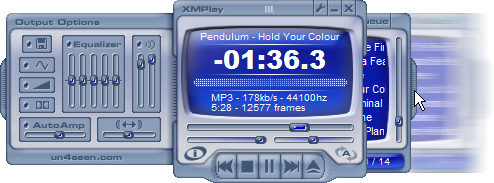
When you first start XMPlay, you will be greeted by the ReadMe and a dialog box telling you to "RTFM". After you close these, you will see something similar to this:
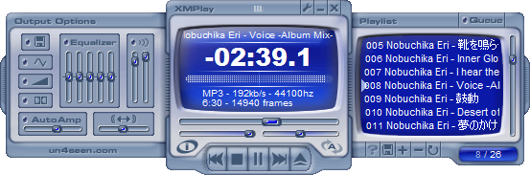
"What are these things at the sides and how do I disable them?" might be your first question. The answer to this is: these are the side panels and you can slide them in and out by dragging them at the "handles" at their sides, like this: